
May 2026 · Koen Bogers
Connect Claude to Strava for AI-powered cycling coaching
Claude, Anthropic's AI model, can help you reach your cycling training goals. By giving it your Strava history as context, it can give advice that's grounded in your data. This guide shows how Convoy.coach connects your rides to your coach chat so you can use that context in everyday training decisions.
The benefits
Large language models can offer guidance to cyclists who want structure and feedback without hiring a full-time coach. Adding ride context makes the advice more specific and useful.
Activity analysis
Claude reads your recent rides and helps you interpret training load, trends, and what changed.
Fatigue & recovery
Understand whether recent riding load suggests pushing on, consolidating, or taking an easier day.
Adaptive planning
Missed a ride? Your plan can adapt around what you actually did instead of ignoring reality.
Race prep
Use recent form, available time, and event demands to shape your next block of riding.
How to get started
Follow these steps to set up Convoy.coach with your Strava account and begin using Claude with your training data.
1
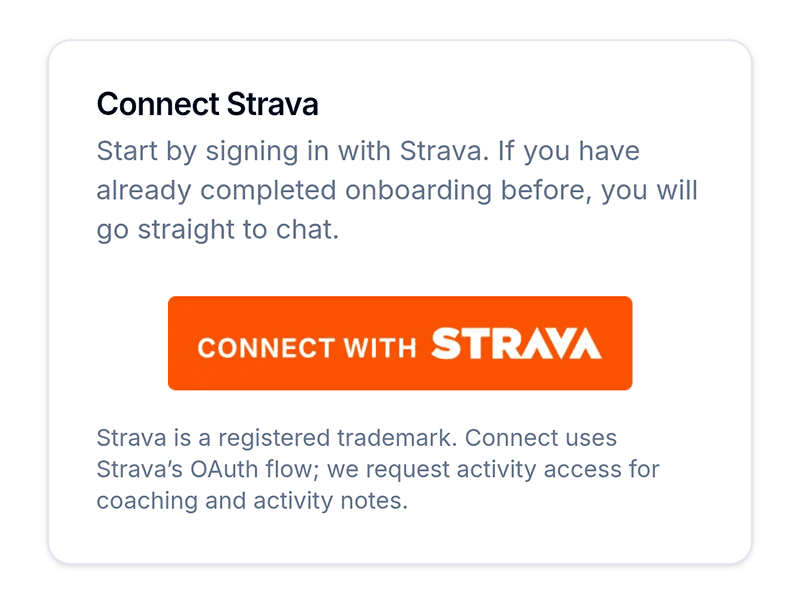
Connect to Convoy.coach
Connect your Strava account to Convoy.coach for free so your coach can read your recent rides.
2
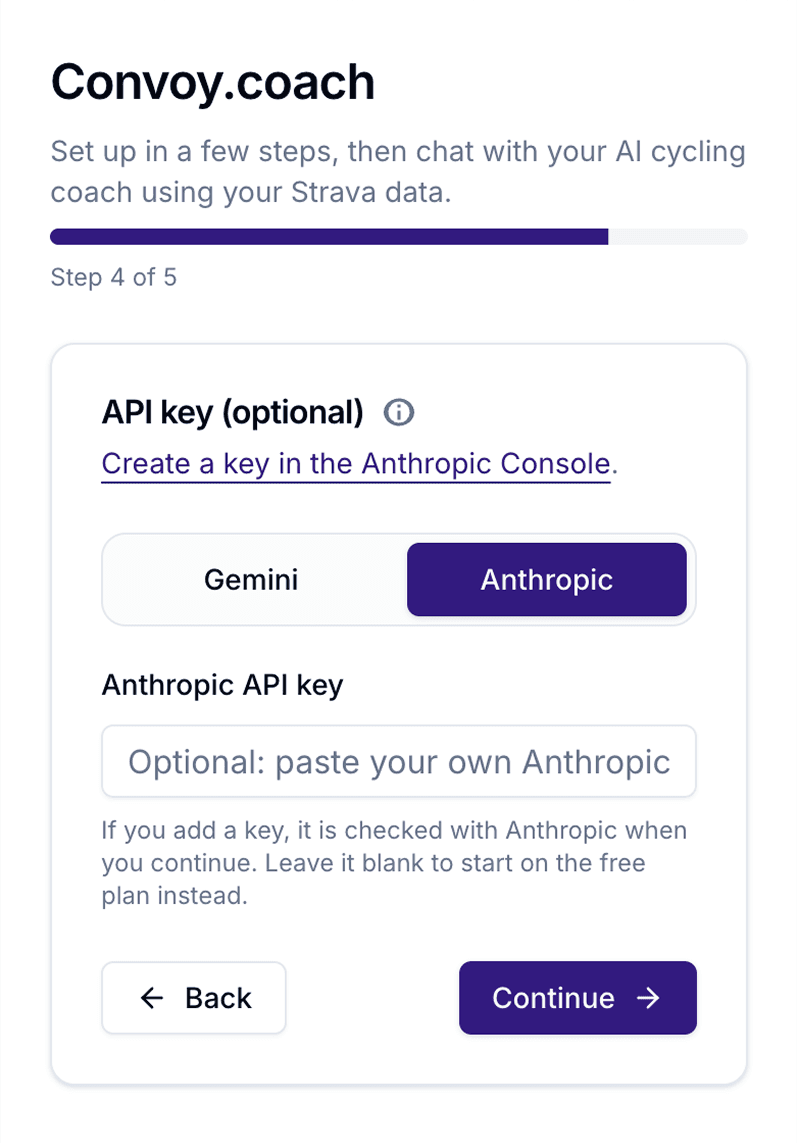
Add your Claude API key when setting up your profile
Go through the setup flow and add your API key. The key is encrypted and only used to power coaching replies.
3
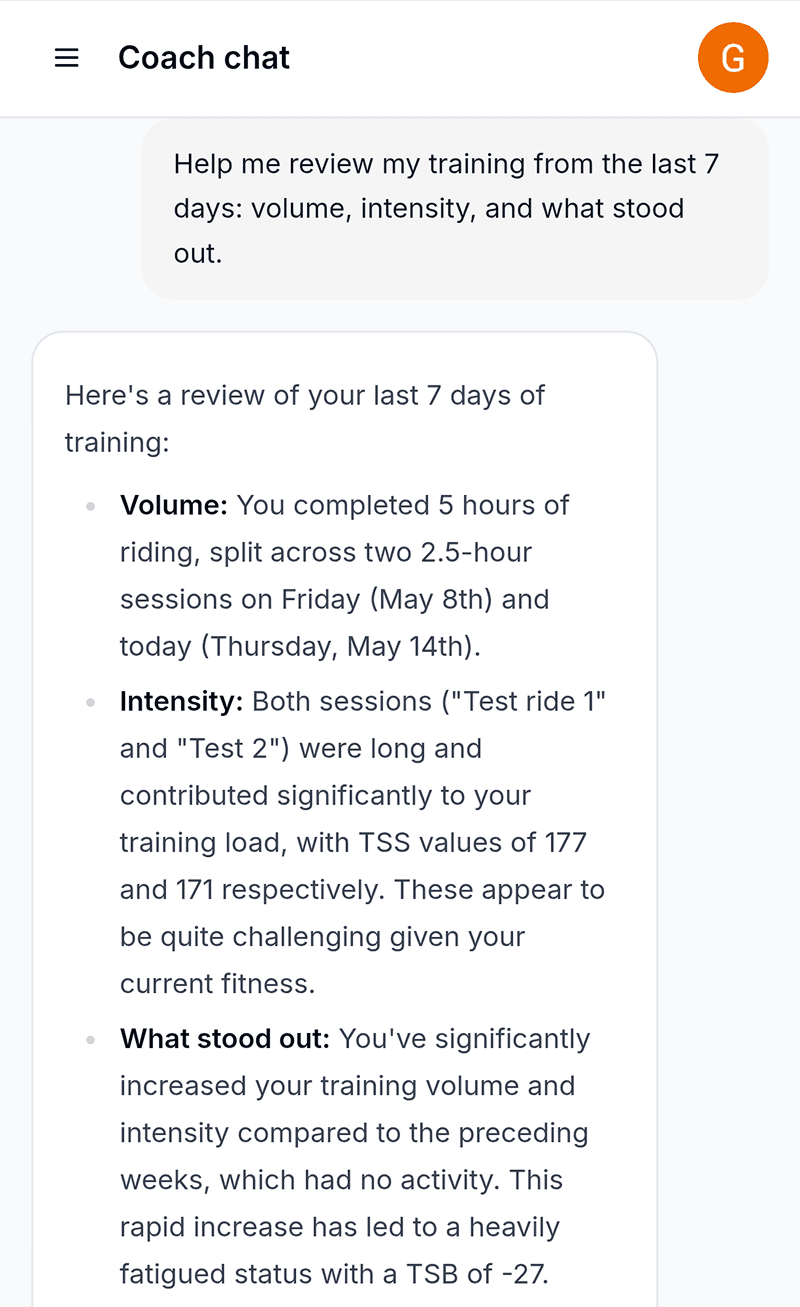
Start chatting to your coach
Ask about your recent training, get weekly structure, and adjust the plan when life or recovery changes.
Get personalized coaching
Connect to your Strava account to start chatting to your coach.